Document Tracking & Analytics
See when recipients open your PDFs, which pages get the most attention, and how long they spend viewing your documents.
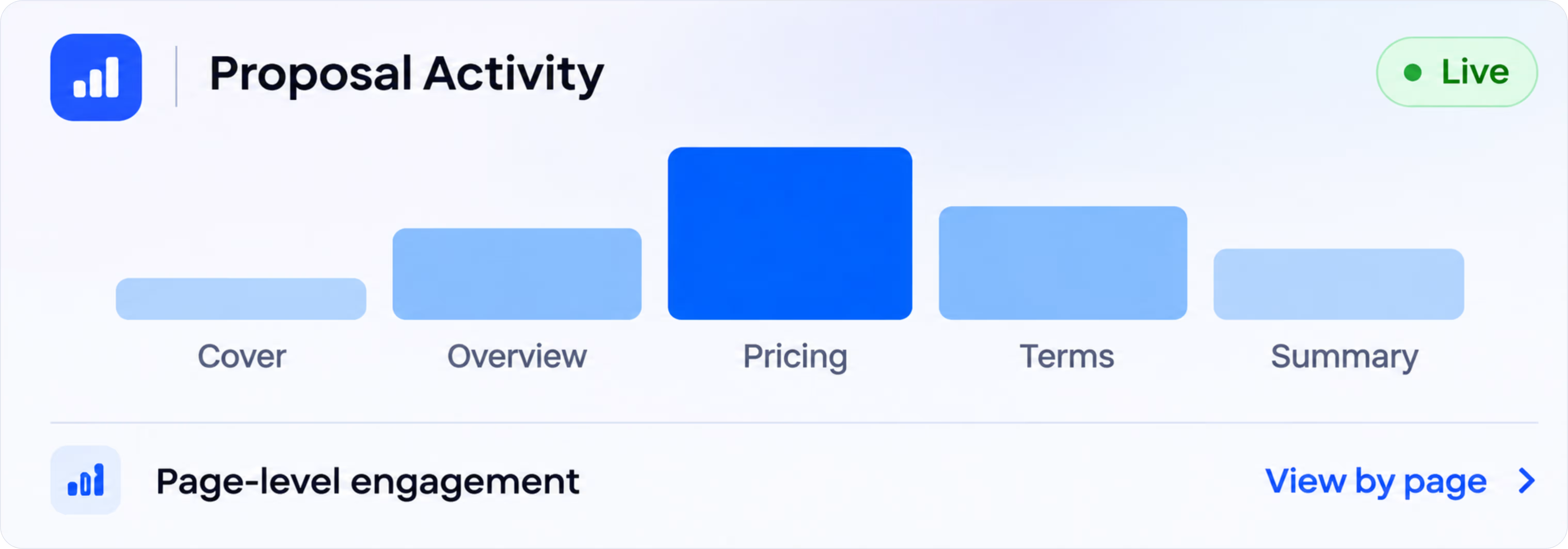
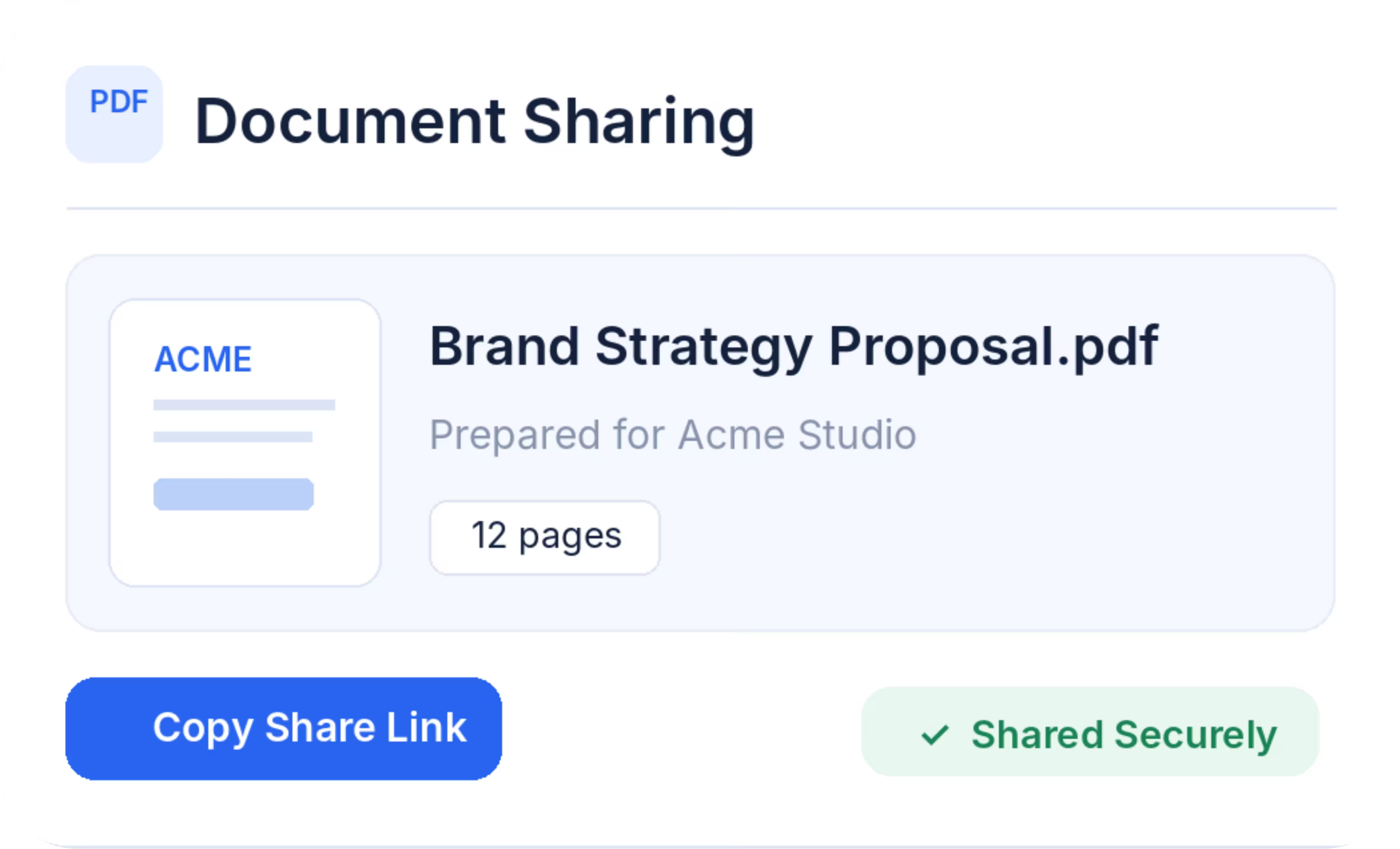
SecuroSpace helps you share proposals, PDFs, and business documents through secure links. Control access with passwords, watermarks, and download restrictions while tracking how recipients view each page.
✓ No credit card required • Set up in minutes
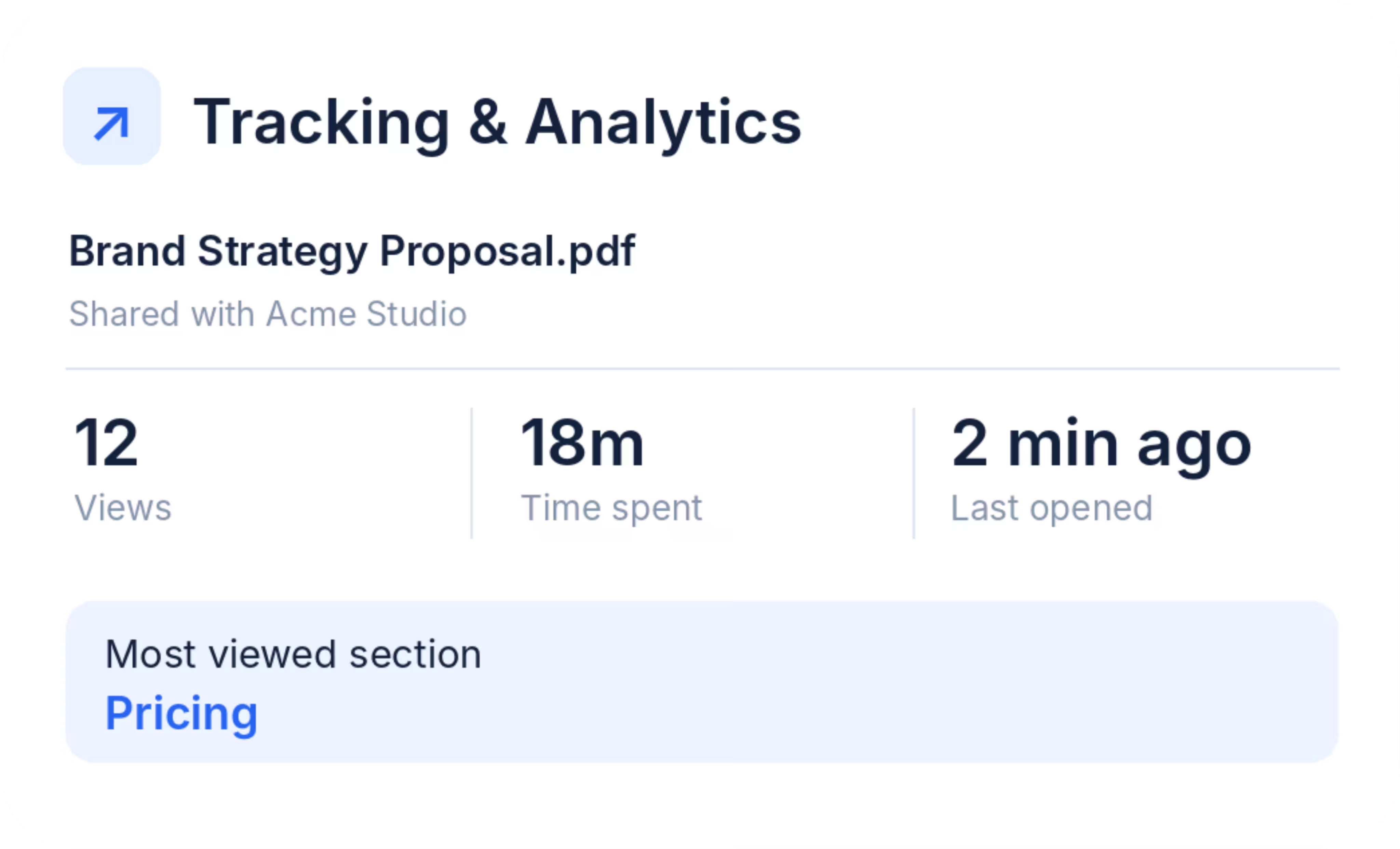
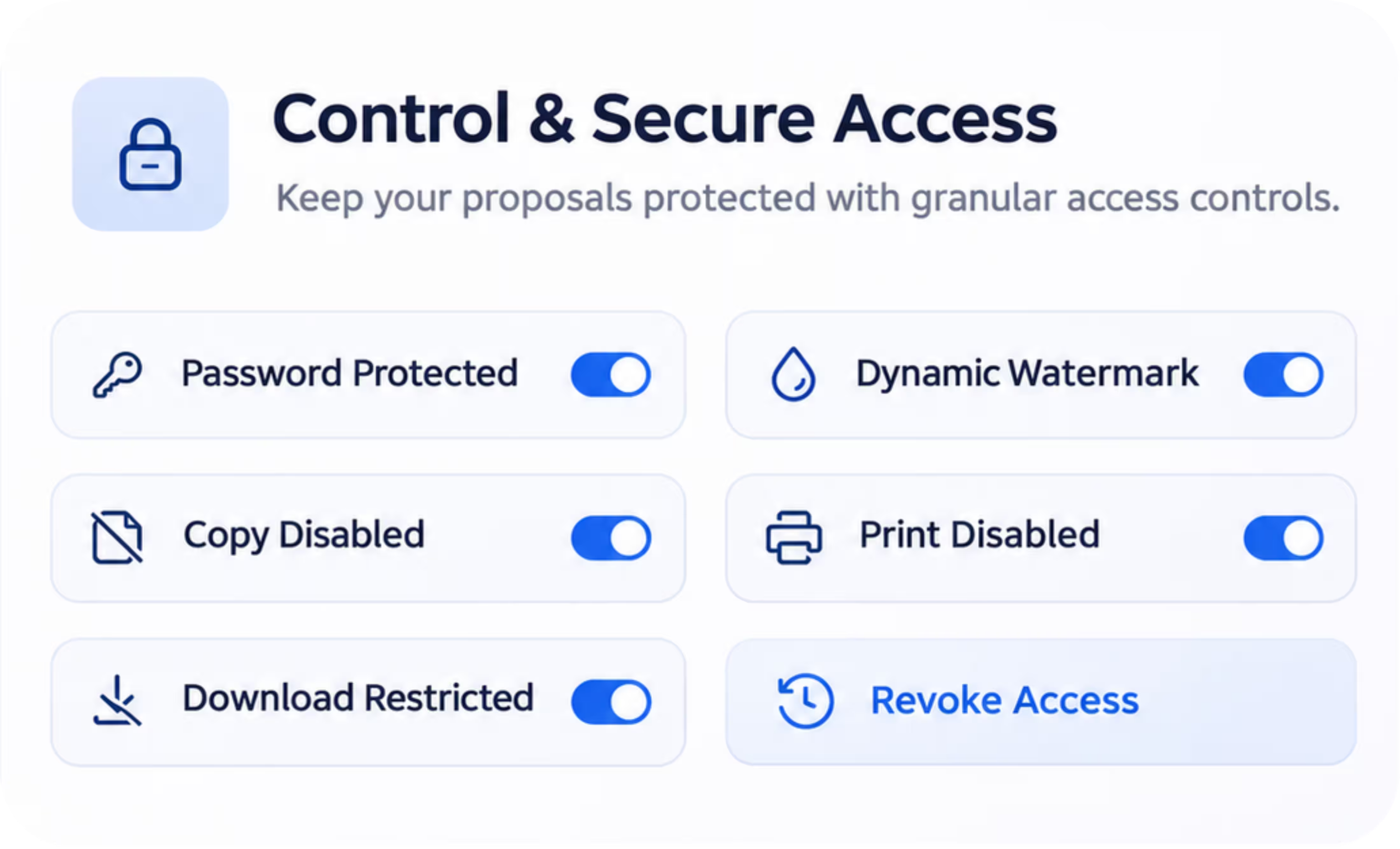
Share PDFs and business documents securely with SecuroSpace. Manage access, protect sensitive information, and track document engagement in one place.
Share proposals, PDFs, and business documents through secure links. Control who can access your files, restrict downloads, and revoke access whenever needed.
See when recipients open your documents, which pages they view, and how long they spend reading. Understand engagement and follow up with confidence.
Protect sensitive PDFs with passwords, dynamic watermarks, and copy, print, and download restrictions. Control recipient permissions and require NDA acceptance before access.
Built for your business
Protect proposals, PDFs, and confidential files with secure sharing links, flexible access controls, and document tracking—built for the way you work.
Share proposals, portfolios, and creative work securely. Restrict downloads, protect your designs, and see when clients view your documents.
Send client proposals, campaign strategies, and pricing documents securely. Track page-by-page engagement and keep sensitive client information protected.
Share pitch decks, sales proposals, and pricing documents with confidence. See what prospects read and when they engage to make follow-ups more relevant.
Share confidential reports, business strategies, and client documents. Use password protection, dynamic watermarks, and access controls to safeguard sensitive information.
Share pitch decks, business plans, and investor updates through secure links. Manage recipient access and track document views to stay informed.
Upload your PDF, choose your security settings, and share it through a secure link. SecuroSpace also helps you track views and recipient activity after sharing.
Upload client proposals, pitch decks, or confidential business documents.
Set passwords, dynamic watermarks, download restrictions, and access permissions.
Share your PDF with clients or recipients without sending unrestricted attachments.
See when your document is opened, which pages are viewed, and how long recipients spend reading.
Securely share documents, control who can access them, restrict downloads, and track recipient engagement all from one simple platform.
See when recipients open your PDFs, which pages get the most attention, and how long they spend viewing your documents.
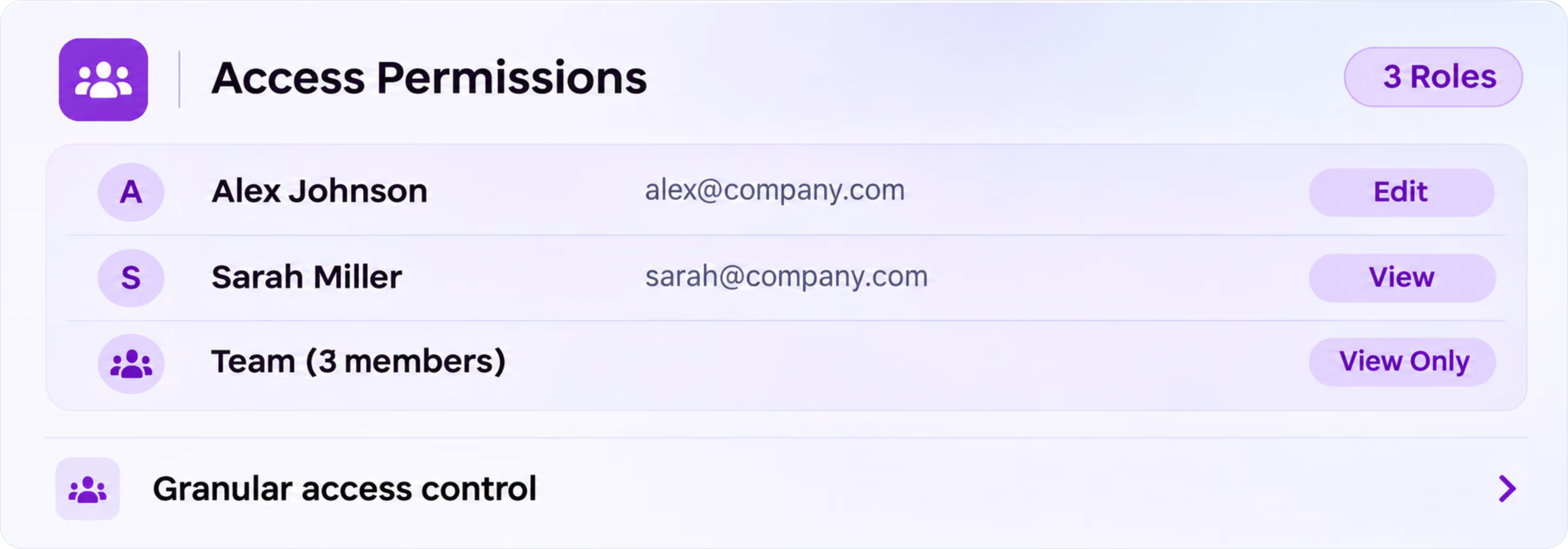
Choose who can view your documents and manage individual access permissions for every recipient.
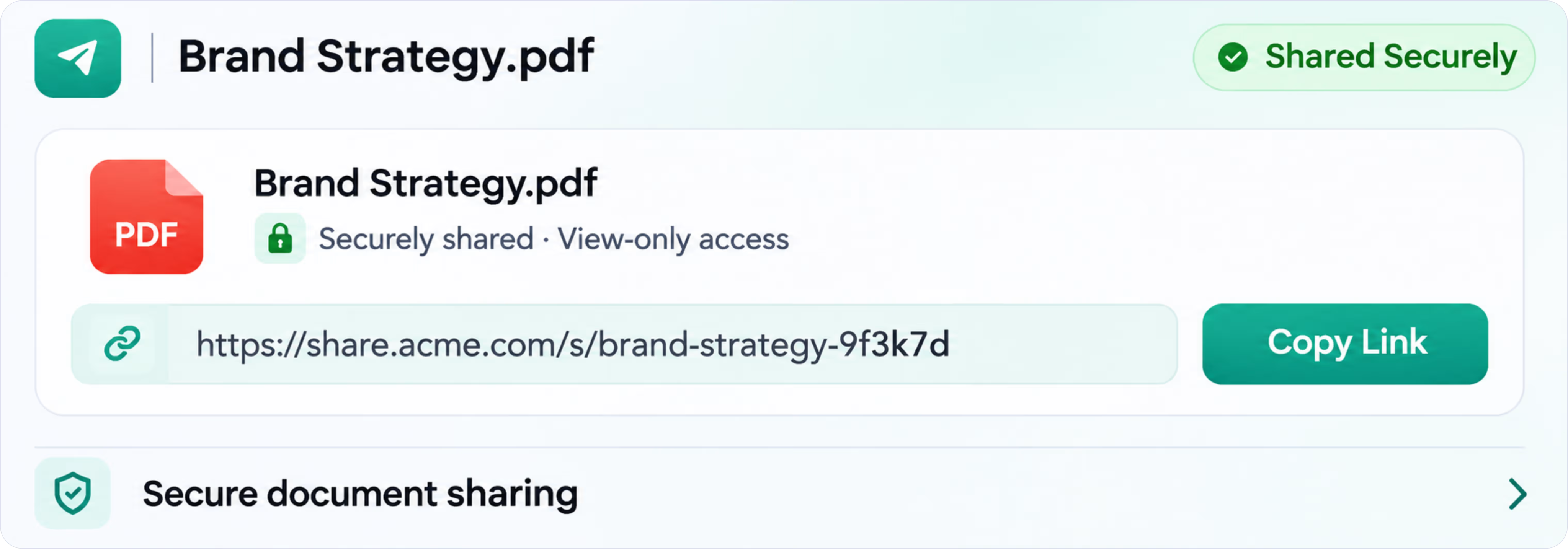
Share proposals, pitch decks, and confidential PDFs through secure links instead of unrestricted email attachments.
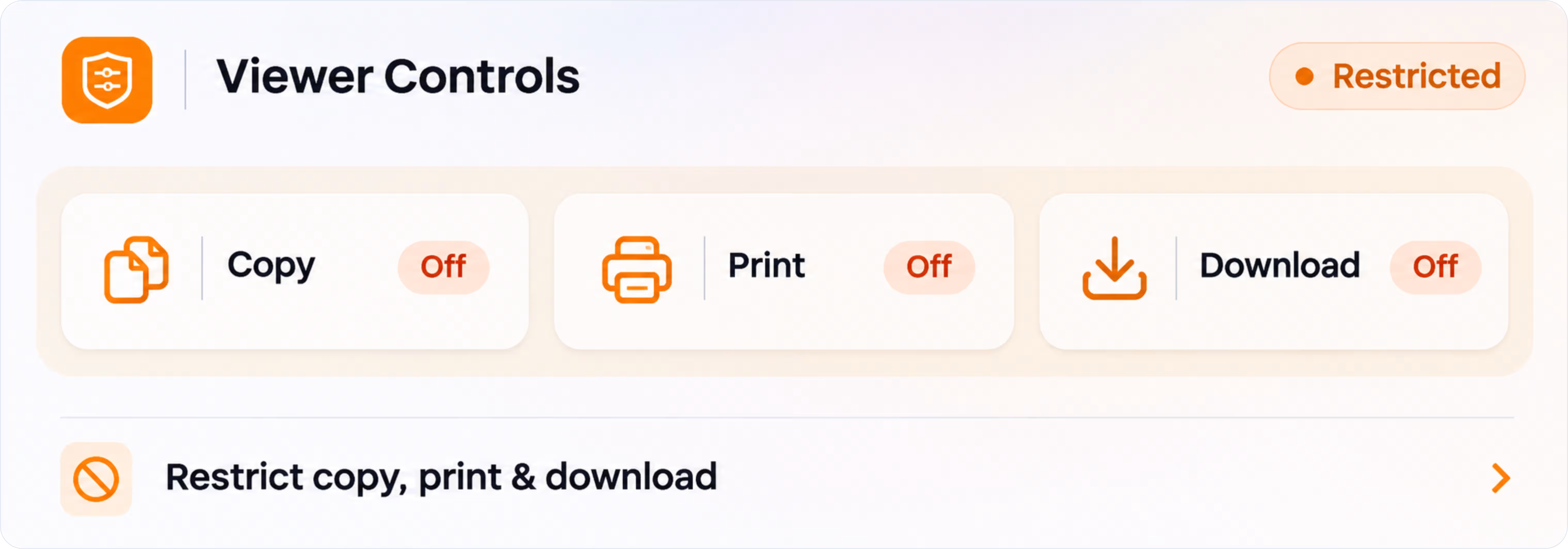
Let recipients view your PDFs while restricting copying, printing, and downloading to help protect sensitive content.
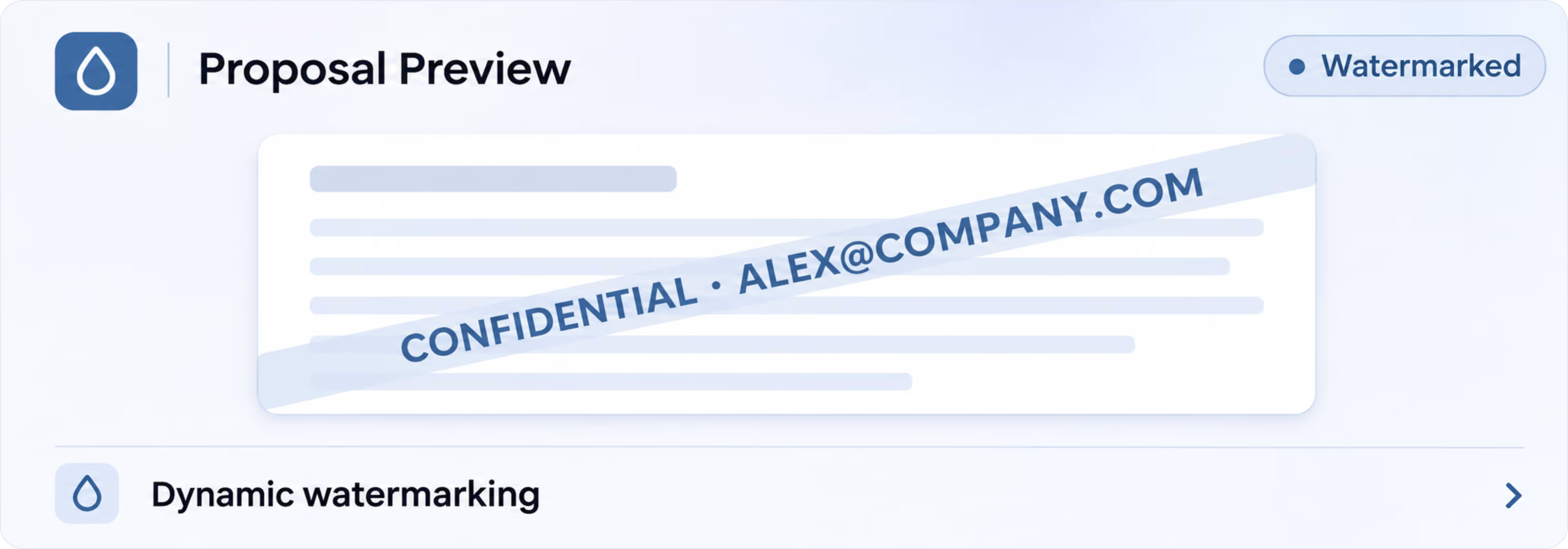
Add viewer-specific watermarks to shared documents to discourage unauthorized redistribution and make each view traceable.
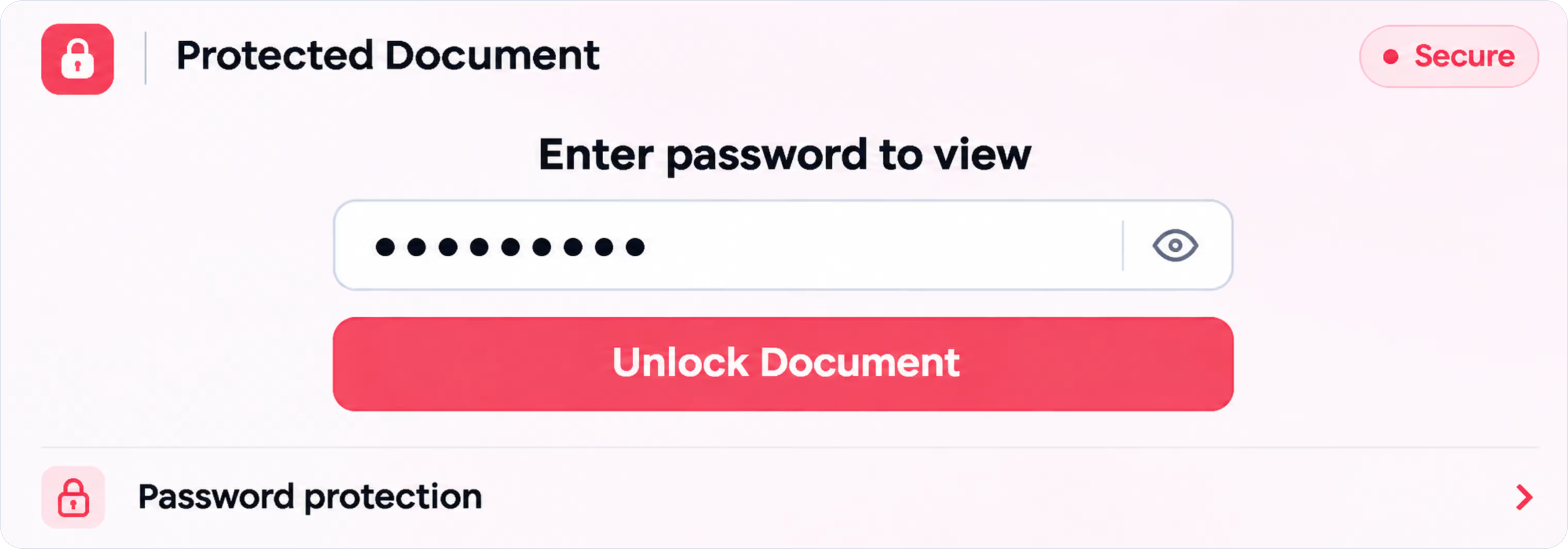
Add password protection to sensitive PDFs so only recipients with the correct password can open them.
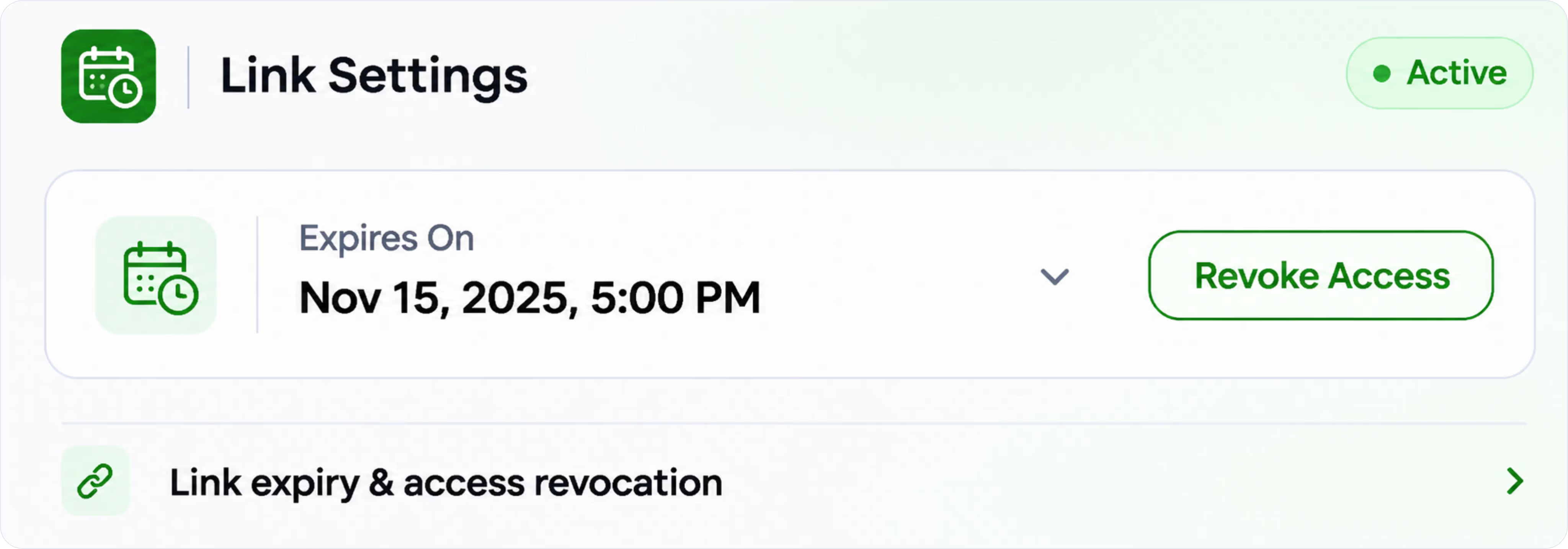
Set document link expiration dates or revoke access whenever a file should no longer be available.
Customer feedback from teams, alongside illustrative profiles for common workflows.
Prachi, Akshat, Anurag, and Shonab are illustrative profiles, not verified customer reviews.
“We share trek itineraries and trip details with our customers. Having everything in one secure link makes it much easier to send information and keep track of who's viewed it.”
“We work on SEO and website projects, so we send a lot of proposals and reports to clients. Being able to track when someone opens a document helps us know when to follow up.”
“Before this, we used to send PDF proposals through email or WhatsApp and had no idea if clients actually read them. Now we can share a secure link, see which pages they spend time on, and follow up without guessing. It's made our client communication much easier.”
“We often share pricing and project details with clients. The password and download restrictions give us more control over who can access those documents.”
“I usually send design proposals to different clients. Sharing a secure link instead of sending the PDF file every time feels much more organized and professional.”
“We share our pitch deck with potential partners and investors. It's helpful to see when the document gets opened instead of having to ask if they've seen it.”
“Our team sends proposals almost every day. Seeing which pages clients view helps us prepare better for the next call and answer the questions they might have.”
Find answers to common questions about SecuroSpace, secure PDF sharing, download restrictions, and document tracking.
Still have a question?